
Vedu Consultancy (OPC) Pvt Ltd
anurag@veduconsultancy.com+91 88660 32233
eOffice / Documents & collaboration

Documents, conversations and company updates. Together.

Explore document movement, private chat, file sharing and Company Wall as connected digital workplace capabilities.

Request eOffice demo
eOffice concept illustration
Concept illustration

* Capabilities come from existing ERP modules. Product packaging and licensing are agreed during scoping.

Digital workplace

Documents & eOffice

Organize inward documents and trace file movement between departments.
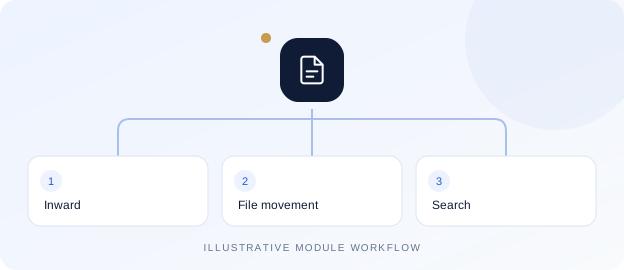
Documents & eOffice — illustrative module workflow
  • Document categories, departments and racks
  • File records and document inward
  • Document and file transfers
  • Document search
  • Document-management dashboard
Digital workplace

Private & group chat

Keep company conversations together with private membership and business context.
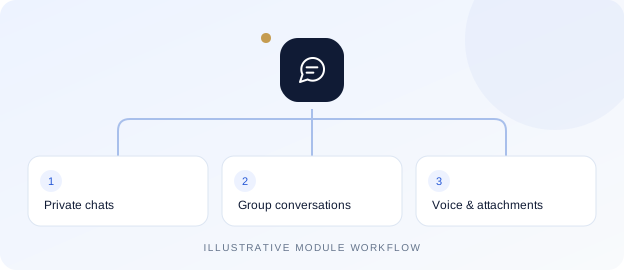
Private & group chat — illustrative module workflow
  • One-to-one and group conversations
  • Reply, forward and message selection
  • Delivery/read receipts and group participant status
  • Online presence, last seen and availability
  • Unread inbox, docked and floating windows
  • Message and filename search
  • Notification preferences and do-not-disturb
  • Profile photos and private group avatars
  • Group owners, admins and posting controls
  • Voice notes with record, preview and discard
  • Emoji picker and message reactions
  • Live typing indicators and pinned messages
  • Camera/gallery capture and document attachments
  • User-initiated location sharing with preview
  • Personal history clearing and group membership controls
  • Licensed creator-only shared history deletion
  • Mobile app integration with private downloads and sharing

* Chat, file sharing, voice notes and shared-history deletion have separate licence requirements. Device permissions apply to microphone, camera and location. Calling, meetings and recording sessions are not included.

Digital workplace

Private file sharing

Share documents and images inside authorized conversations without public attachment links.
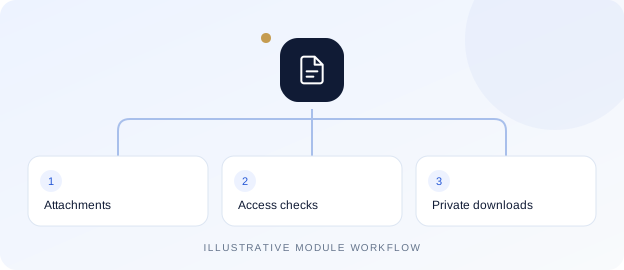
Private file sharing — illustrative module workflow
  • Document and image attachments
  • Authenticated downloads and image previews
  • Download progress and forwarded attachments
  • Company and conversation access checks
  • Quota checks and storage lifecycle integration

* Allowed file types, upload limits and file-sharing licences depend on configuration.

Digital workplace

Company Wall

Give company updates a shared home with posts and member participation.
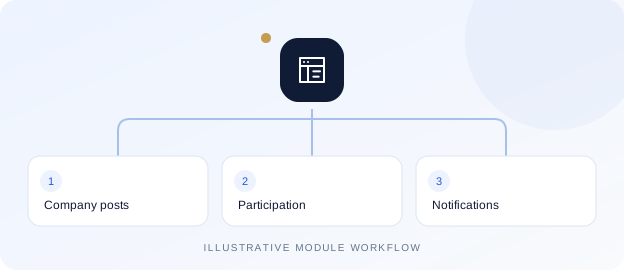
Company Wall — illustrative module workflow
  • Text posts with images, video and audio
  • Comments, threaded replies and reactions
  • Member tagging and tagged-post views
  • Post/comment notifications and direct links
  • Author editing and deletion controls
  • Optional selected location and device sharing
  • Private media access and storage integration
  • Responsive web and mobile feed

* Company access and a separate Wall licence apply. Media and sharing options depend on the user’s device.

Digital workplace

Storage & recycle bin

Review application storage and manage eligible files with distinct cleanup permissions.
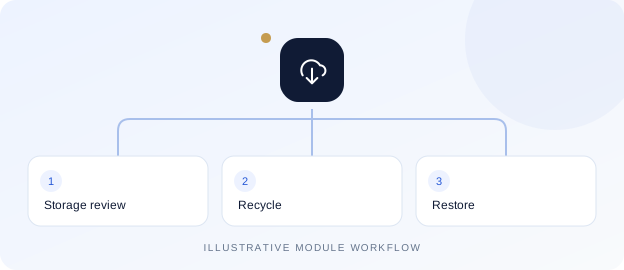
Storage & recycle bin — illustrative module workflow
  • Storage overview and scoped folders
  • Search, sorting and bulk selection
  • Recycle and restore
  • Separate permanent-delete permission
  • Chat and Wall attachment integration
  • Traceable cleanup and expiry

* The inspected storage quota is application-wide, not a separate allowance per company.

Operational control

Roles & approvals

Configure company structure, access and workflow responsibilities.
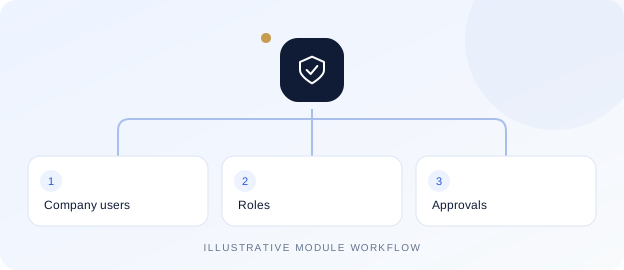
Roles & approvals — illustrative module workflow
  • Company, branch, department and users
  • Page access roles and project/user mapping
  • Approval-required pages
  • Workflow roles, policies and replacements
  • Pending approval inbox and reports
  • Dashboard permissions and report schedules
Digital workplace

Business mail workspace

Access mail alongside configured email and report workflows.
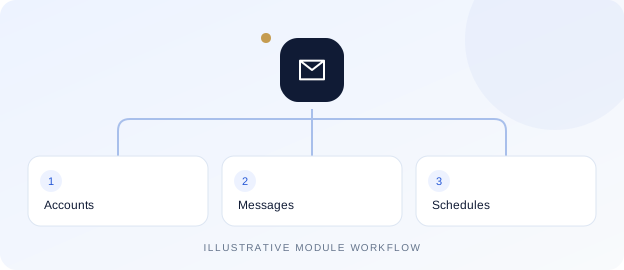
Business mail workspace — illustrative module workflow
  • Mail folders and message workspace
  • Configured email accounts
  • Email templates
  • Report email schedules
  • Mail-domain blocking controls

* Provider connectivity, quotas and licences depend on the selected deployment.

Start a conversation

Open a WhatsApp chat

Talk to VEDU or enter another WhatsApp number with its country code.

Start with + and the country code. The number must have a WhatsApp account.Continue to WhatsApp

Your message opens in WhatsApp for you to review and send. This website does not store the number or message.